
Bring your ideas to life.
On your favorite screen.
Build with AI, move projects forward, and manage your models. From desktop to browser and phone, keep work moving at your pace.
Windows · macOS · LinuxApache-2.0
See how it works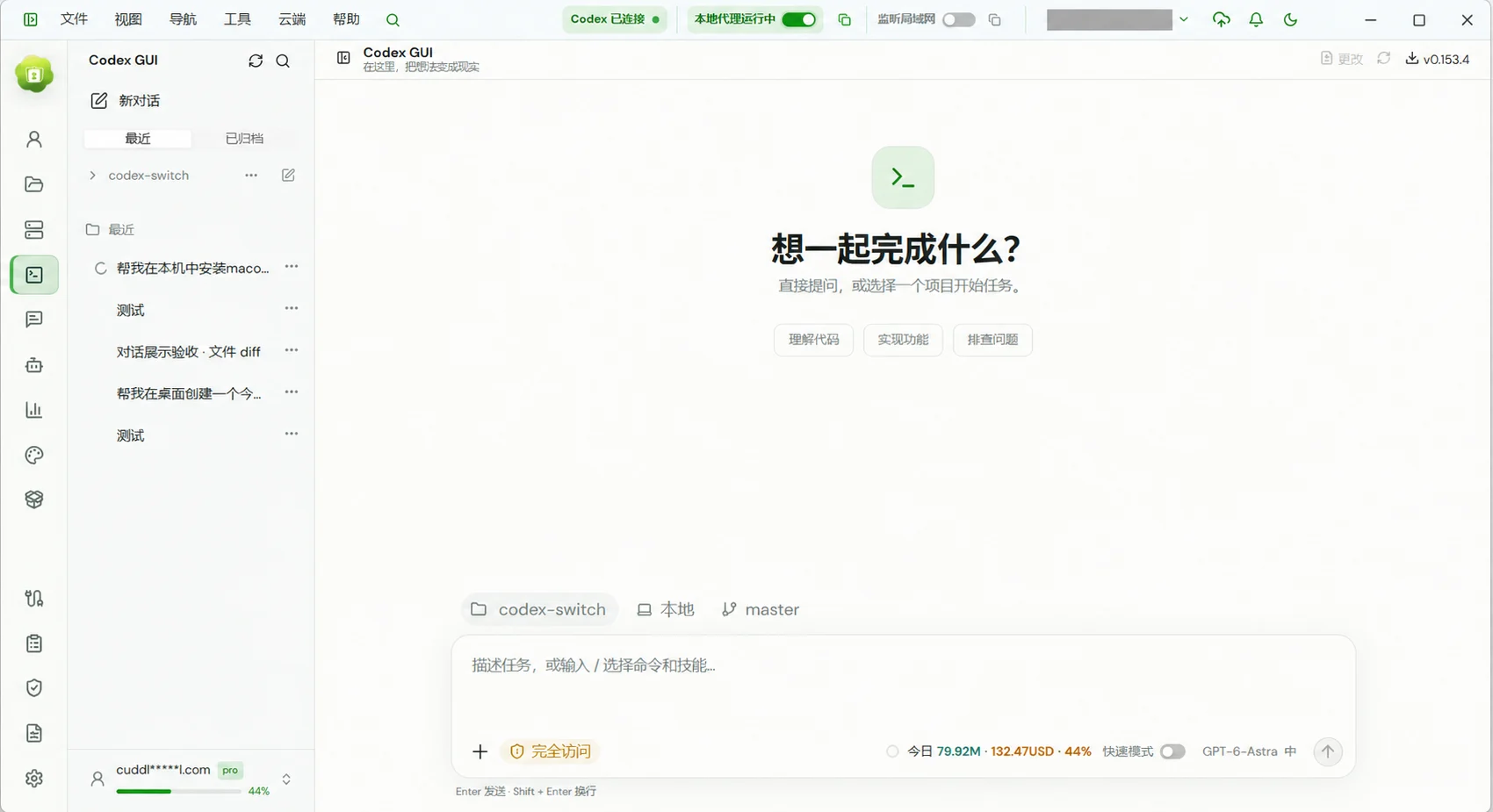
ONE WORKSPACE. MORE POSSIBILITIES.
Made for focus. Built for the whole workflow.
More than a conversation. Projects, tools, accounts, and usage each have a place in one workspace.
Good ideas deserve a great workspace.
Work with Codex in a graphical workspace that connects your project, context, execution, and code changes.
Multiple accounts
See account status, quotas, and reset times together, and choose an available account for the work.
/04Providers & local proxy
Manage third-party model services and connect compatible APIs through a local proxy.
/05Token analytics
Understand recorded model usage through trends, heatmaps, and practical breakdowns.
/06PICK UP WHERE YOU LEFT OFF
Leave the desk. Keep the momentum.
Your computer runs the project. Your browser and phone connect to its workspace. Check progress and take the next step on another screen.
Explore connected workspacesRemote access requires the host to stay online with Remote AI running.THOUGHTFULLY CONNECTED
The details that make it yours.
Understand usage, choose models, organize history, and find a look you love. Shape the workspace around your day.
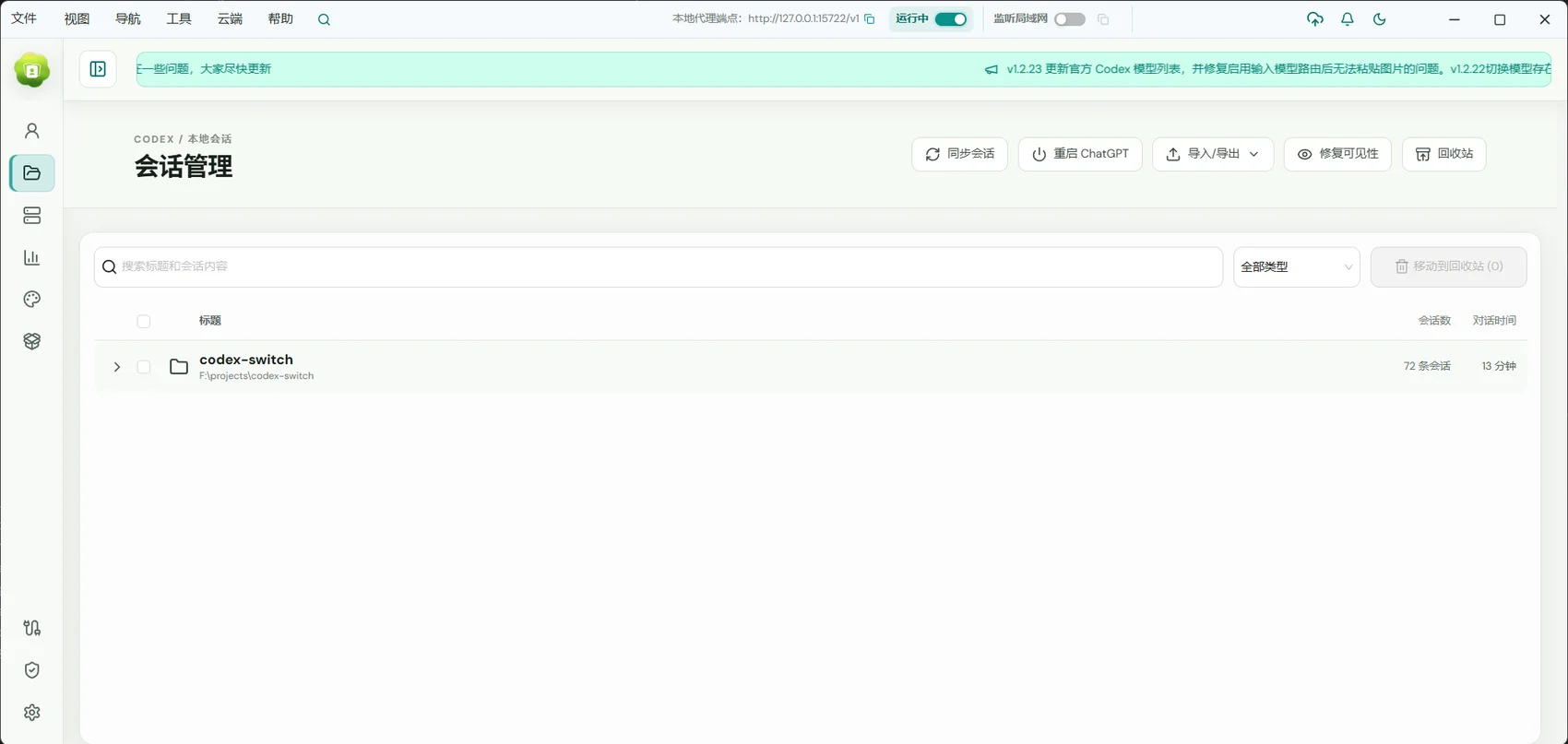
Conversation management
Organize active work and previous conversations so longer projects are easier to pick up again.
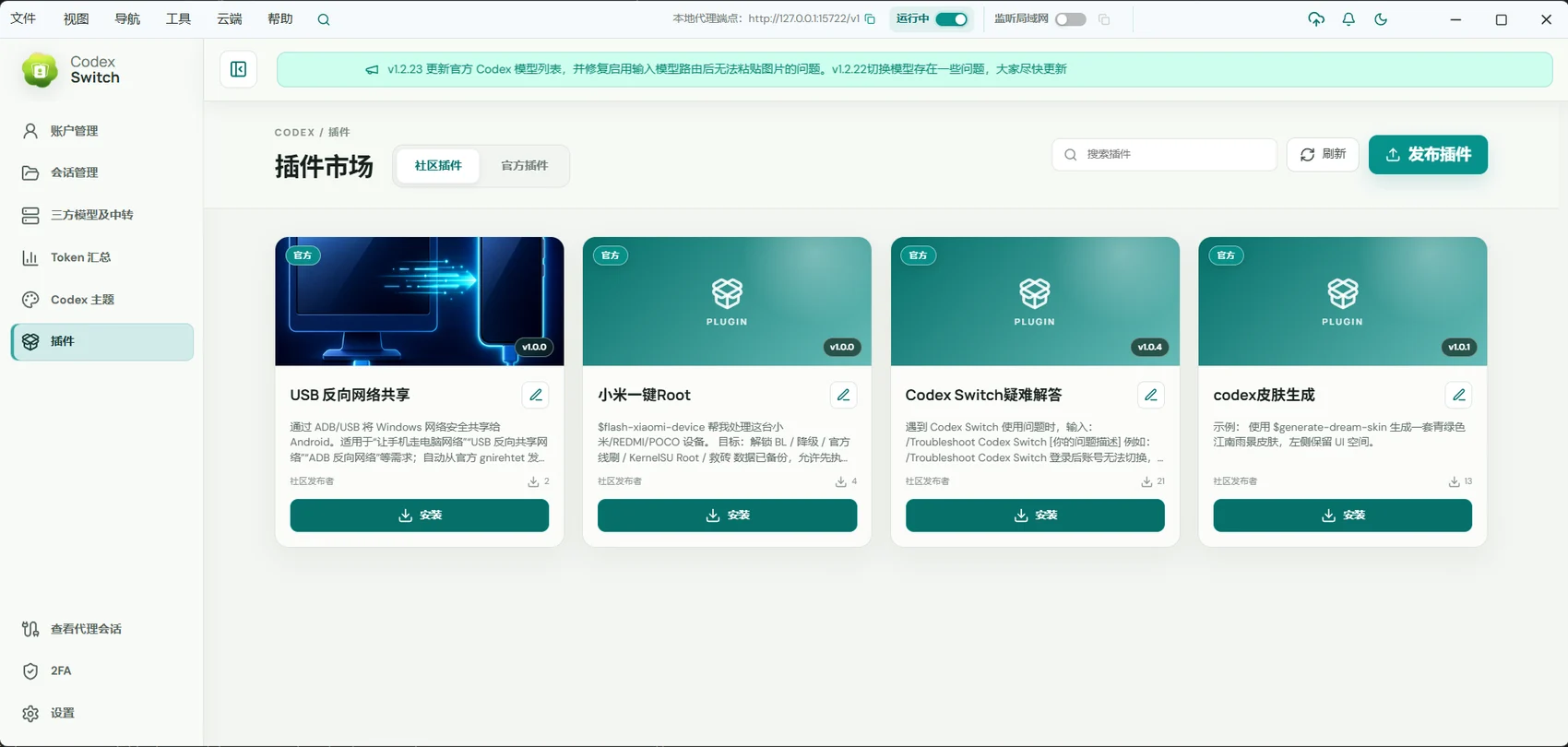
Skills & plugins
Discover community skills and plugins to add reusable methods and tools to everyday tasks.
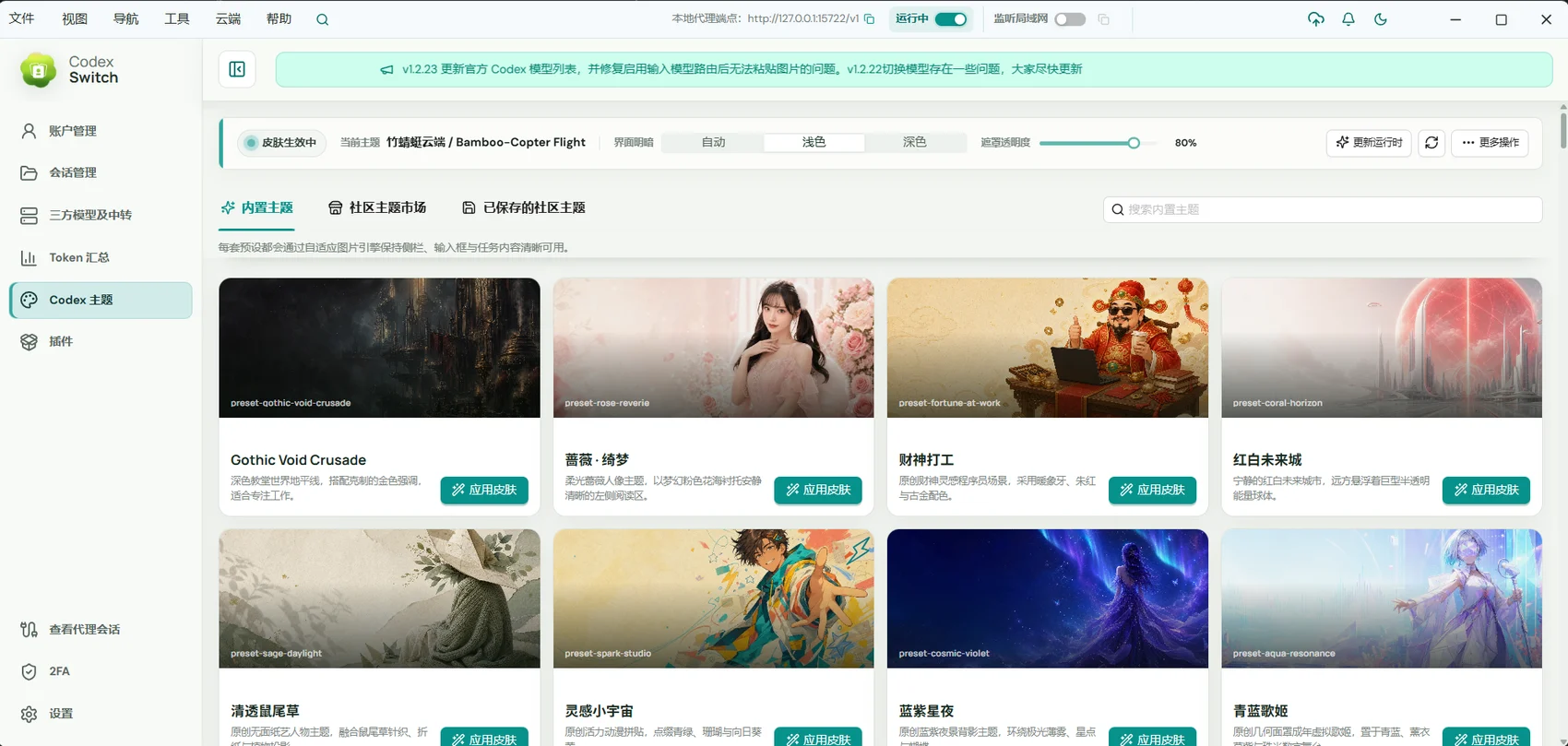
Dream Skin themes
Choose a built-in theme and adjust the background and appearance for a workspace you enjoy using.
A little clarity before you start.
What is Remote AI?
Remote AI, formerly Codex Switch, is an open-source graphical AI coding workspace for Codex. It combines project conversations, account and model management, usage analytics, and remote access.
Do I need to pay for Remote AI?
Remote AI is open source under Apache-2.0. Codex and third-party models still require the appropriate account or API service; those providers determine quotas and charges.
Can I start with just the website?
The remote web app connects to a computer with Remote AI installed and running. Prepare Codex there, then sign into the same cloud account on the web and select that computer.
Which operating systems are supported?
Desktop releases are available for Windows, macOS, and Linux; check Releases for architectures. System features such as Computer Use have their own platform requirements.
LET’S MAKE SOMETHING.
Your next idea. Start here.
Download Remote AI and bring Codex into your everyday work.
GitHub