
Conversation management/03
Keep the context. Continue the work.
Organize active work and previous conversations so longer projects are easier to pick up again.
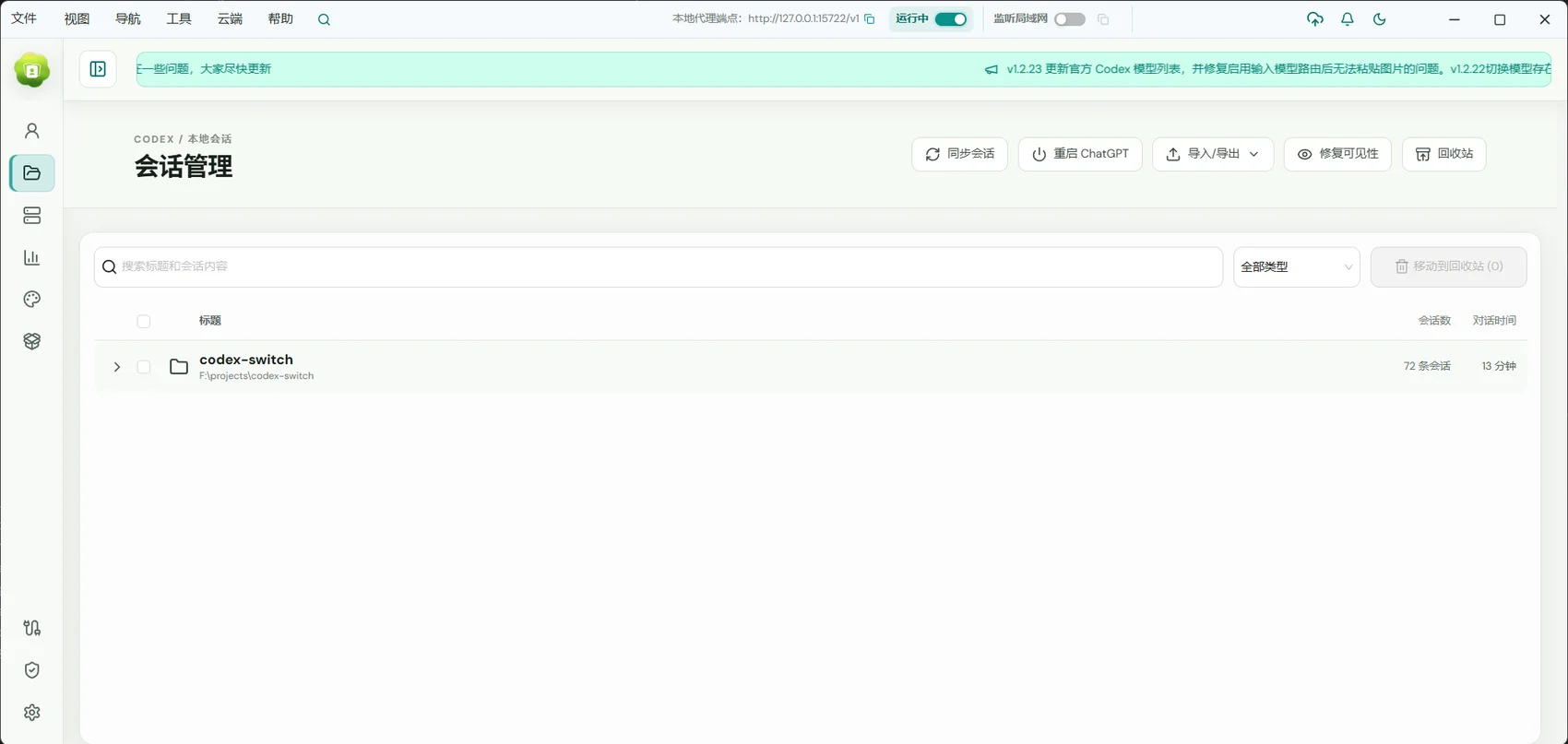
For people juggling projects, reviewing earlier decisions, or returning to unfinished tasks.
01 / Conversation management
Organize discussions around projects
Codex GUI groups work around a project directory, helping related conversations stay close to their context.
- Find conversations through their project.
- Move between new tasks and existing discussions.
- Give conversations names that describe the goal.
02 / Conversation management
Make important work easy to find
Search for a previous discussion and pin work you revisit often. Archive completed tasks to keep the recent list focused.
- Search and rename conversations.
- Pin ongoing work.
- Archive discussions and restore them when needed.
03 / Conversation management
Continue with the history in view
Reopen a conversation, review its messages and results, then add the next objective. Check the selected computer when working remotely.
- Review responses, command results, and change information.
- Refine requirements in the existing conversation.
- Each computer keeps its own workspace and conversations.
Getting started
- Open a project or the conversation list in Codex GUI.
- Find the conversation, then rename or pin it as useful.
- Continue the work and archive it when finished.
The screenshot shows conversation management. Codex GUI also has a project conversation list; available actions depend on the page and version.
A few useful answers
Can I bring back archived conversations?
Yes. Codex GUI supports viewing and restoring archived conversations.
Which history does a remote client show?
The history belongs to the currently selected computer. Switching computers switches the workspace and its conversations.